Product Designer | Enterprise Products & Technical Systems
Bangalore, India | reachvinay@gmail.com | +91 988 673 1225
→
CAP Editor - WYSIWYG Editor for Bank Authentication Screens
Role
UX Designer & Researcher
Project Overview
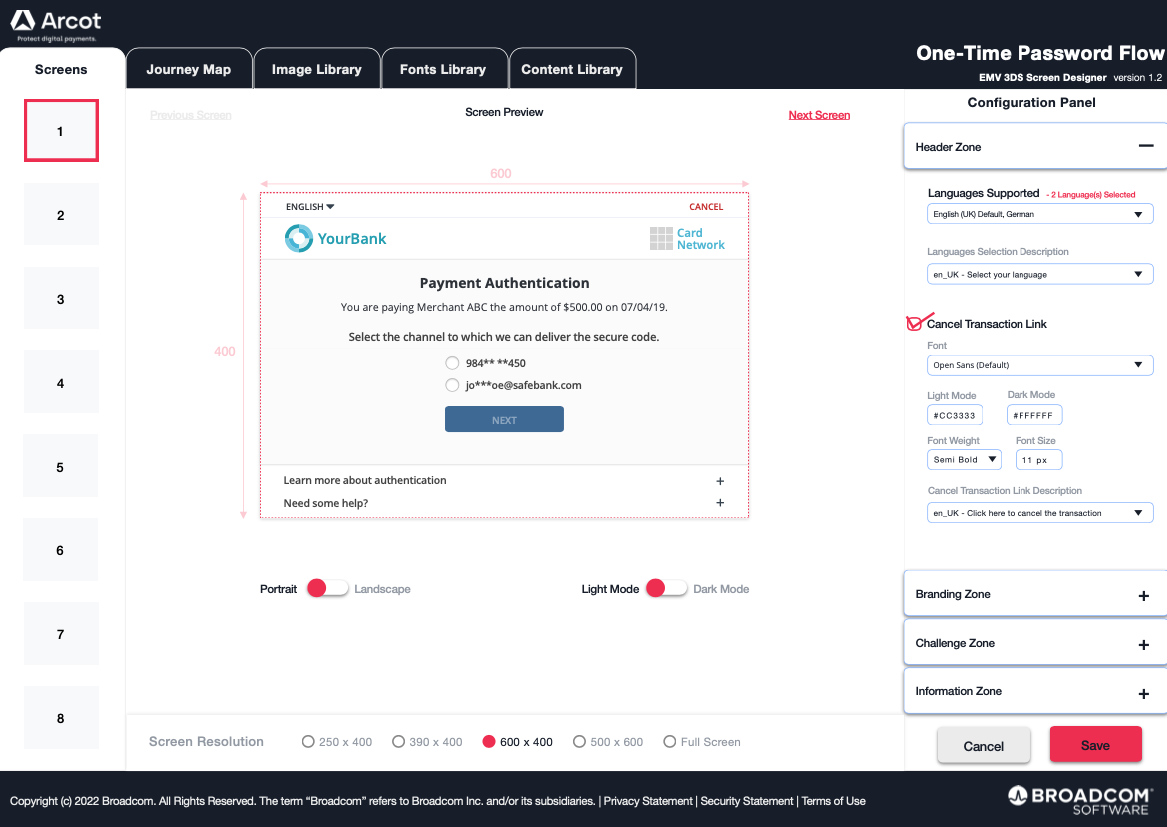
Designed a WYSIWYG editor that reduced the time banks needed to deploy authentication challenge screens from 4-6 months down to 2-3 weeks. The tool empowered bank staff to design, customize, and deploy screens themselves—no more waiting months for developer implementation.
The Problem
Banks using the Arcot for Issuers platform faced a painful process for deploying challenge screens (the authentication pages customers see during e-commerce transactions). Here's what the timeline looked like:
Create UI mockups: 3-4 weeks
Wait for implementation: 8-12 weeks
Review with bank: 1 week
Deploy to QA/Staging: 3-4 weeks
Review test results: 1 week
Push to production: 1 week
Total: 16-23 weeks (4-6 months)
This wasn't just inefficient—it was holding banks back from quickly complying with EMV 3DS Program requirements. And any changes to branding or regulatory requirements meant starting over.
Research
I conducted surveys and user interviews with EMV 3DS Program staff at banks, plus concept validation sessions. The insights were clear:
Deployment time was the critical issue
Multiple stages offered automation opportunities
Banks needed to respond quickly to regulatory changes
Consistent challenge screen display was crucial for customer trust
Design Approach
I created a persona representing EMV 3DS Program staff whose main goal was to design challenge screens efficiently without technical dependencies.
Working closely with 3 major banks, I created high-fidelity mockups and gathered feedback continuously. As they shared needs based on their specific regulations and branding requirements, I extended the editor's capabilities to accommodate them.
The key was making it genuinely WYSIWYG—what they designed had to be exactly what customers would see, with no surprises after deployment.
The Solution
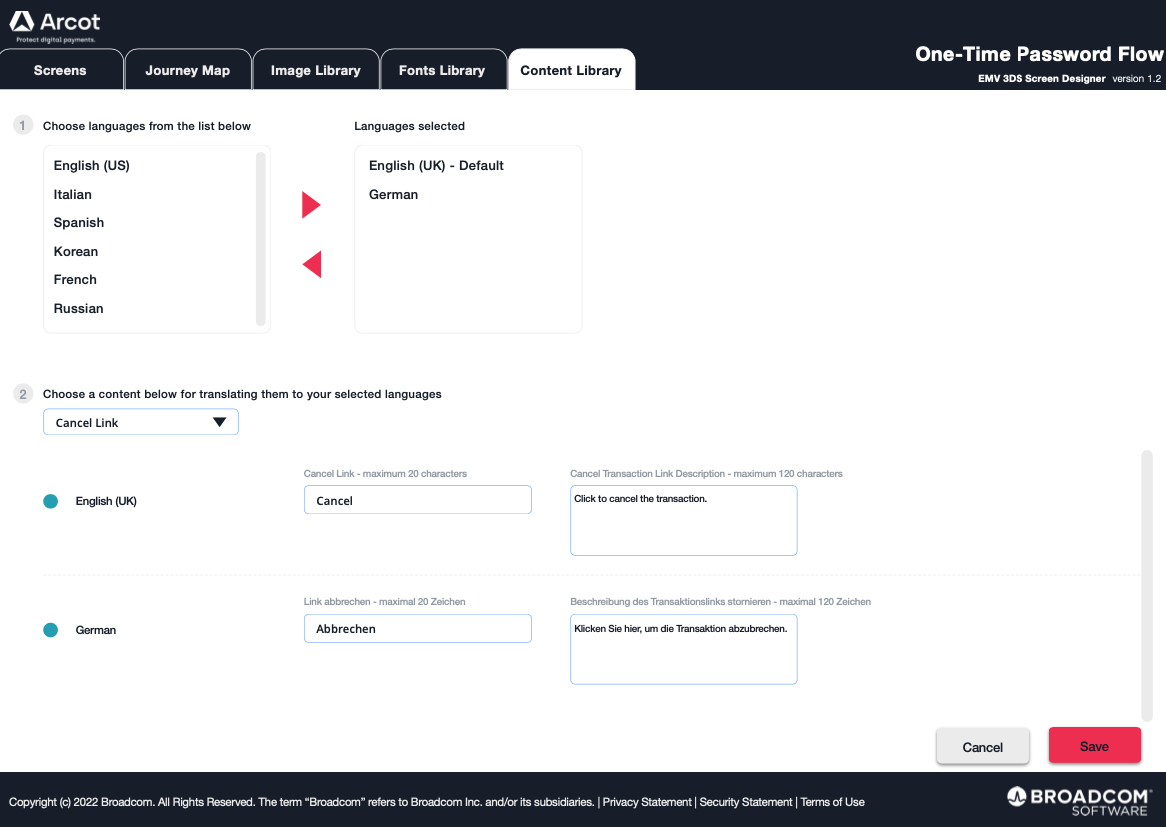
A web-based WYSIWYG editor that puts challenge screen creation directly in the hands of bank staff:
Drag-and-Drop Interface
Design challenge screens visually without writing code. Move elements around, adjust layouts, and see results immediately.
WCAG 2.1 Level AA Compliance Built In
All templates meet accessibility standards by default. Banks don't have to become accessibility experts to stay compliant.
Easy Branding Customization
Apply fonts, colors, and logos with simple tools. Each bank's screens look distinctly theirs without requiring custom development.
Multi-Device Preview
See how screens will appear on phones, tablets, and desktops before publishing. No surprises for customers.
Automated Deployment Pipeline
Once a screen is designed and tested, deployment to production is streamlined. The manual handoffs that took weeks are eliminated.
Flexible Screen Types
Support for different authentication methods based on local regulations and compliance requirements. One tool, multiple use cases.
Results
Time Reduction
4-6 months → 2-3 weeks (approximately 85-90% faster)
Increased Agility
Banks can now respond quickly to regulatory changes or update branding without lengthy development cycles.
Positive Reception
Partner banks praised the time savings and the ability to iterate on designs without waiting for developers.
Improved Compliance
Faster deployment means banks can meet new EMV 3DS Program requirements on schedule instead of scrambling.
What I Learned
Automating deployment processes isn't just about speed—it's about giving users control. Banks went from being dependent on our implementation timeline to being empowered to manage their own schedules.
Balancing security with usability is challenging but essential. We couldn't make the editor so simple that it compromised the security of authentication screens, but we also couldn't make it so locked-down that it frustrated users.
Early and continuous engagement with bank partners shaped the tool in ways I wouldn't have anticipated. Their specific regulatory needs and branding requirements drove features that made the editor more flexible for everyone.
Building accessibility compliance into templates by default removes a huge burden from users. Nobody wants to become a WCAG expert just to deploy a challenge screen.
Future Considerations
Expanding the template library to cover more regulatory scenarios would help banks in different regions. Adding analytics to help banks optimize challenge screen performance could provide valuable insights.
Integration with A/B testing tools would let banks experiment with different designs to reduce friction while maintaining security. A mobile app for on-the-go editing and monitoring could add flexibility for bank staff who aren't always at desks.
Credits
EMV 3DS Program Staff (3 major banks) : User research, feedback, and validation
Product Managers: Requirements and prioritization
Technical Architects: System integration and security
Development Team: Implementation
Services Project Managers: Process insights and deployment workflow
Selected Works
Cap EditorEnterprise SaaS / B2B
CBAC LiteEnterprise SaaS / B2B
RMSEnterprise SaaS / B2B
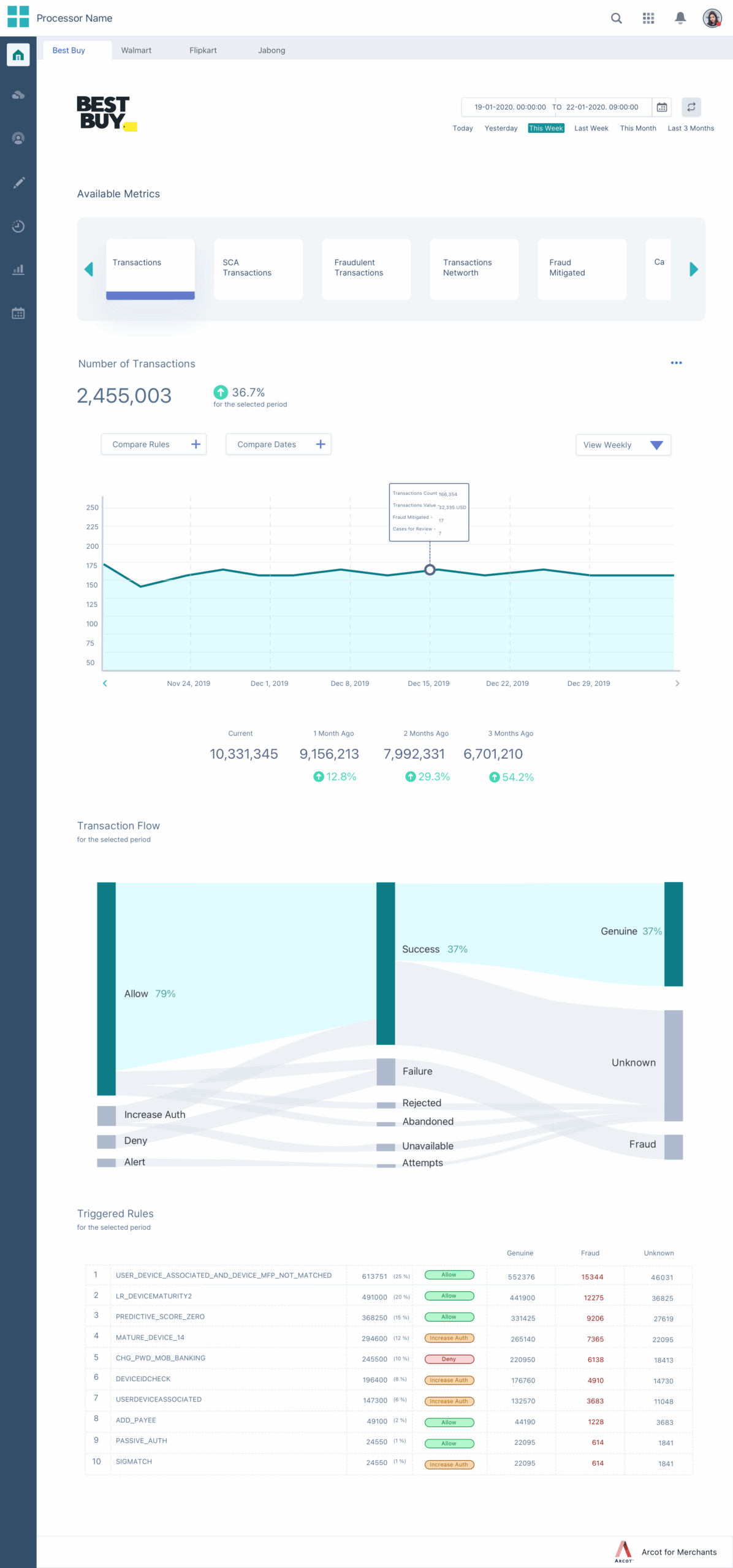
Merchant Risk AnalyticsEnterprise SaaS / B2B
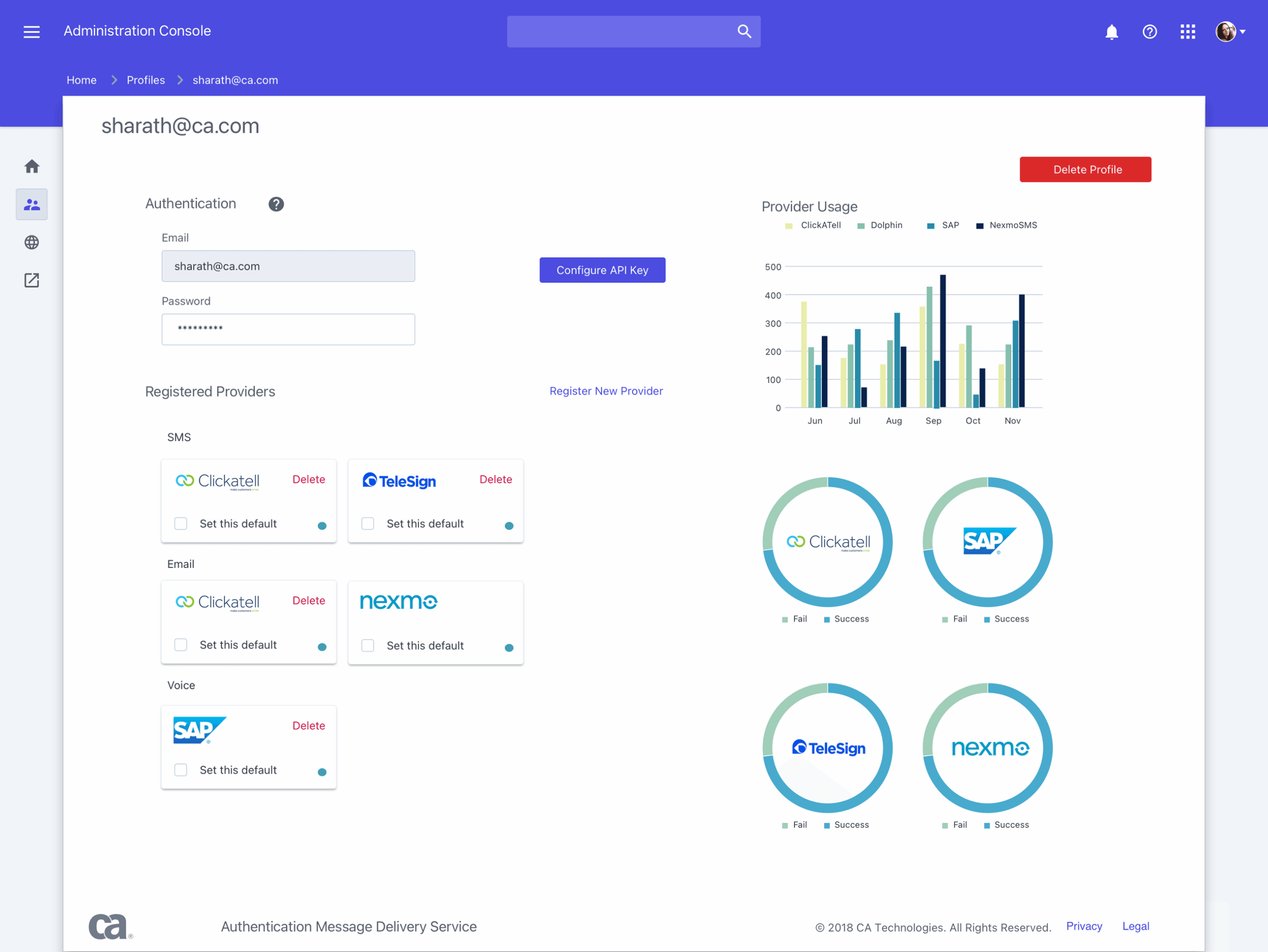
Message Delivery ApplicationEnterprise SaaS / B2B
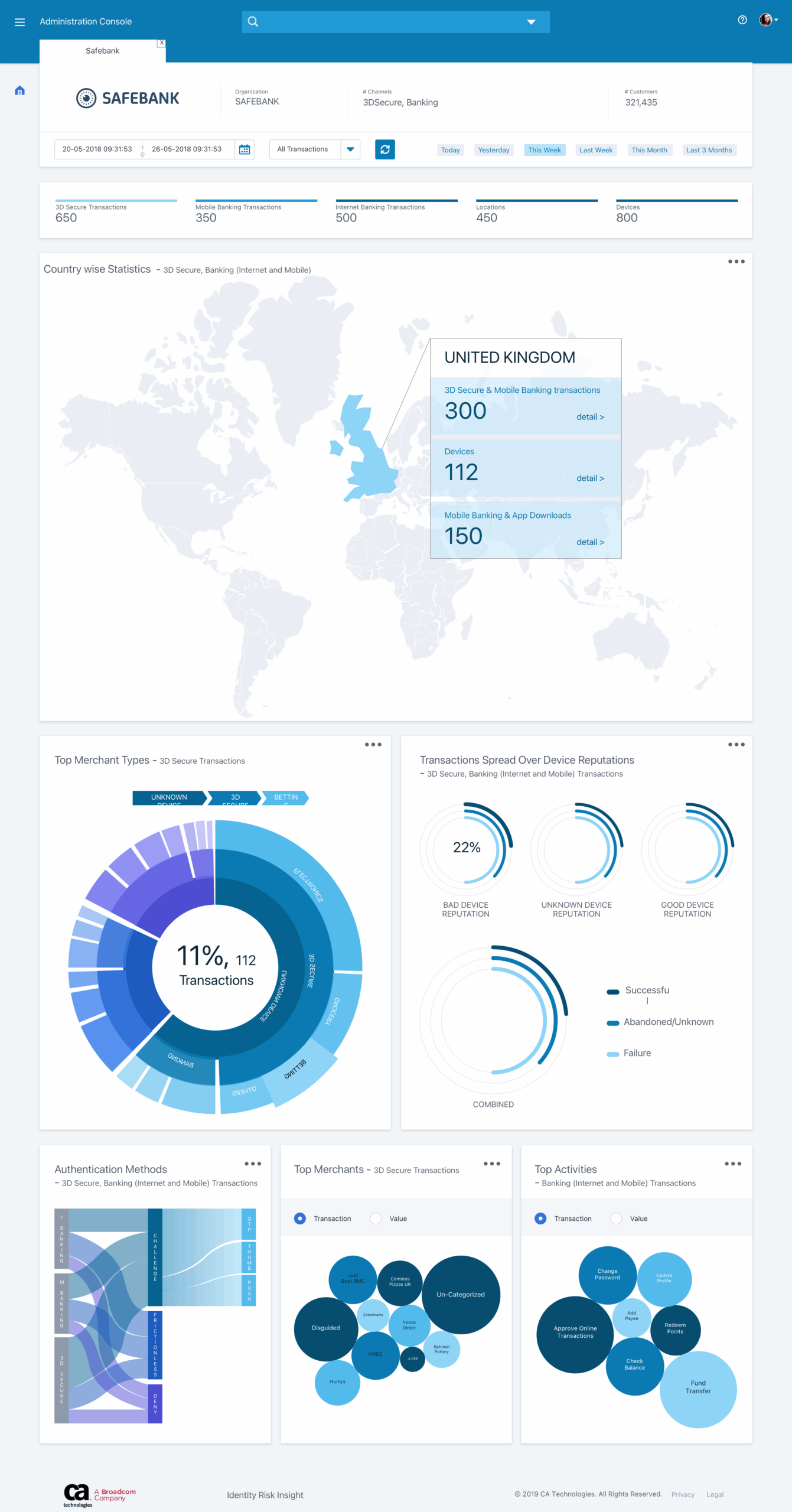
Digital Banking ApplicationEnterprise SaaS / B2B